TEMP_HUMI_SENSOR

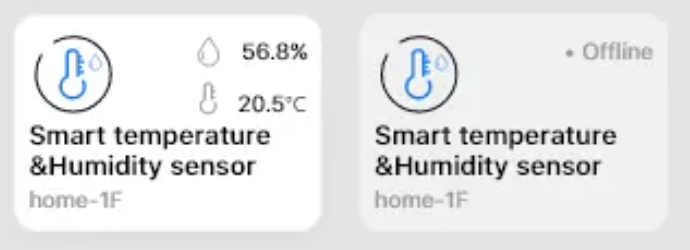
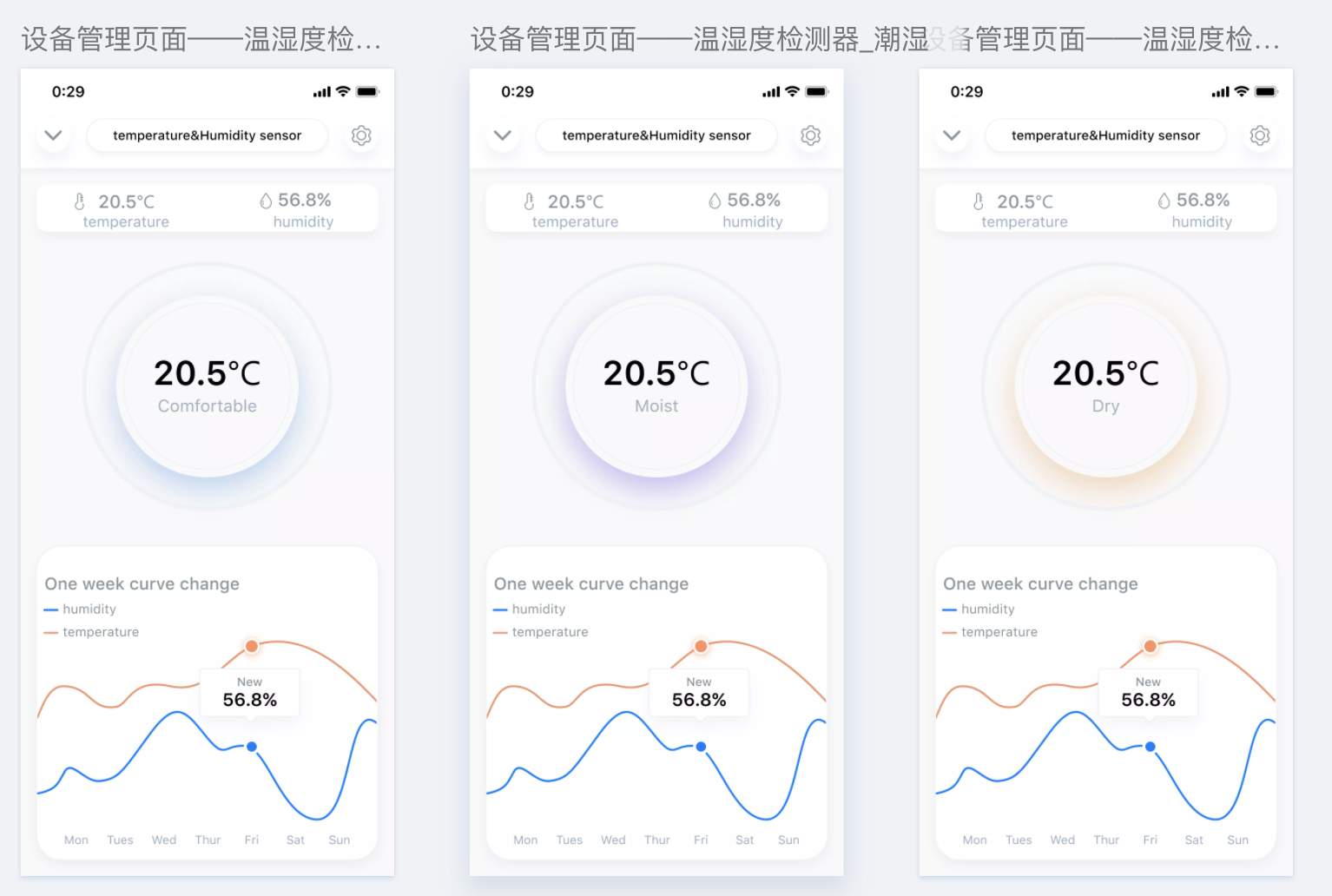
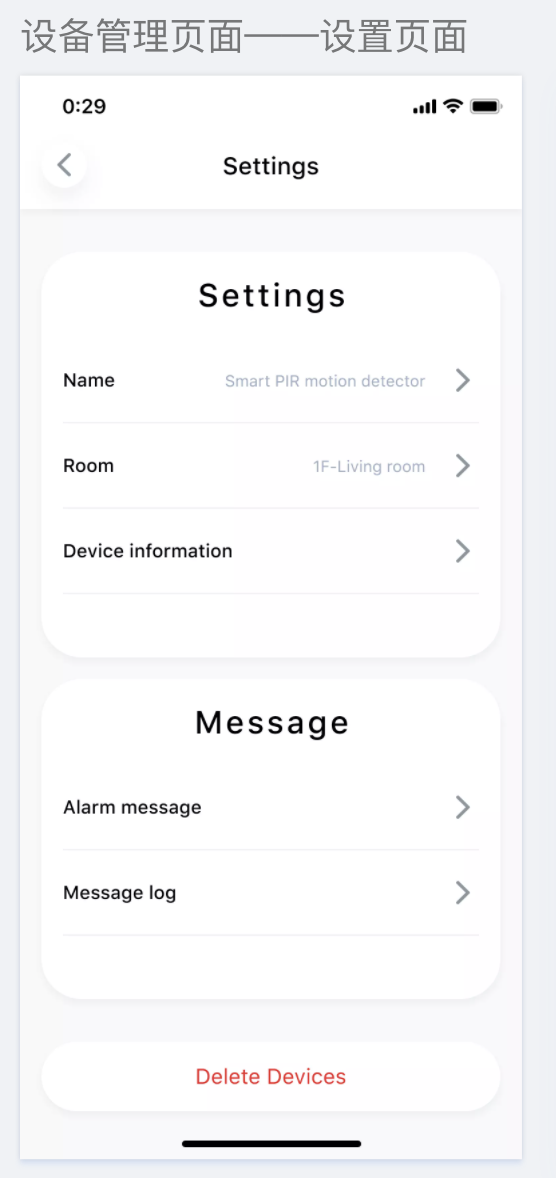
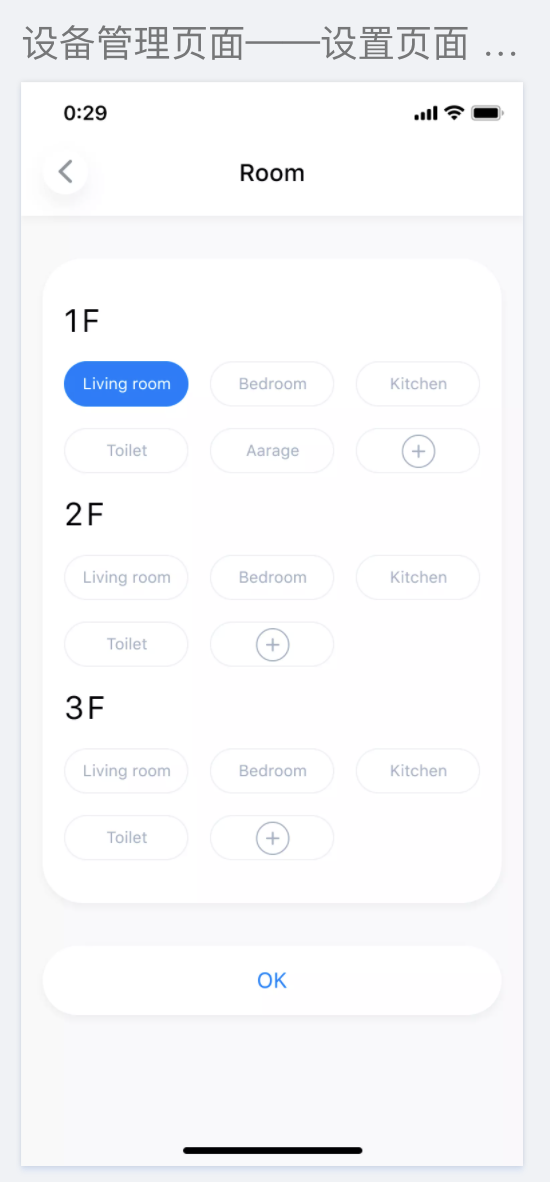
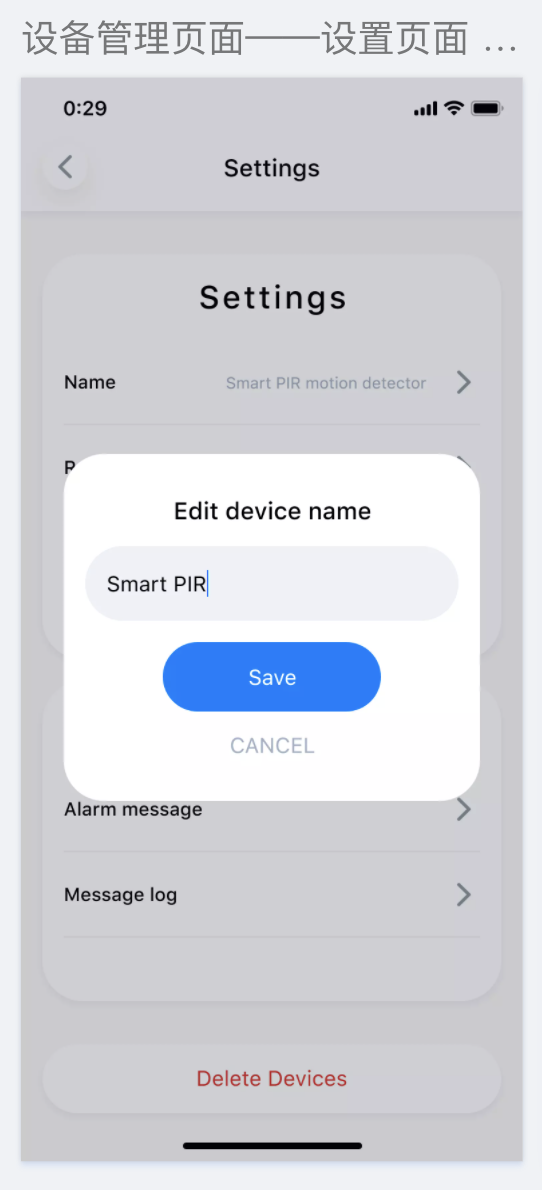
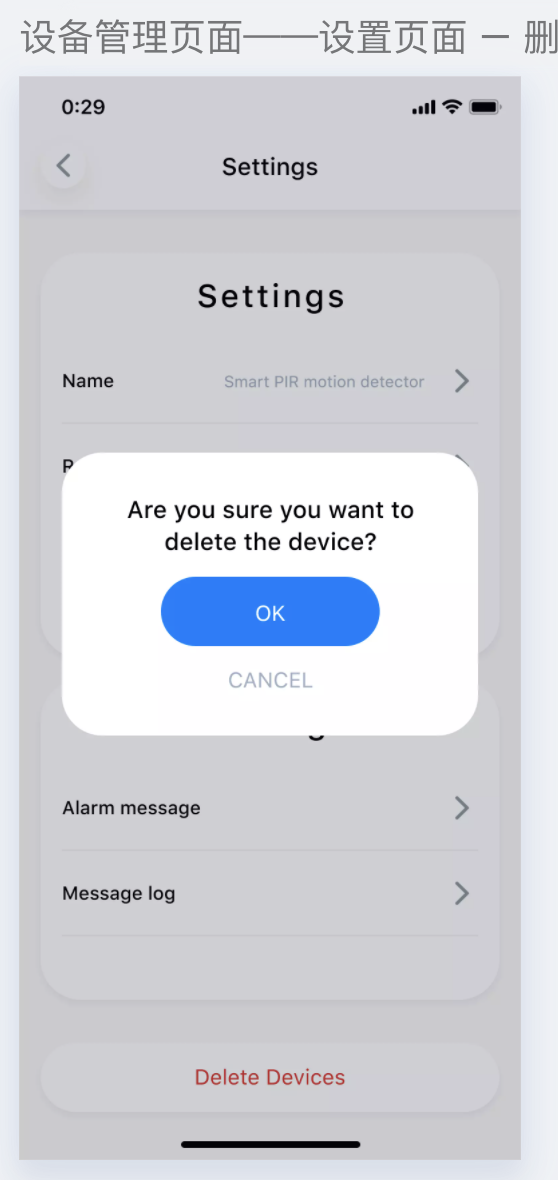
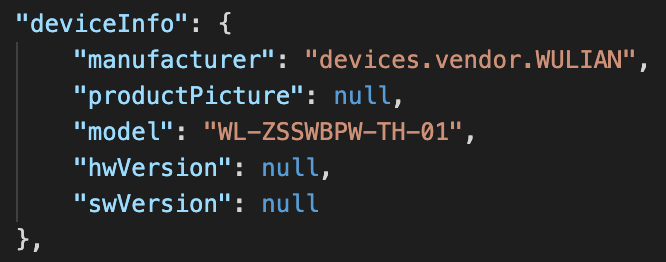
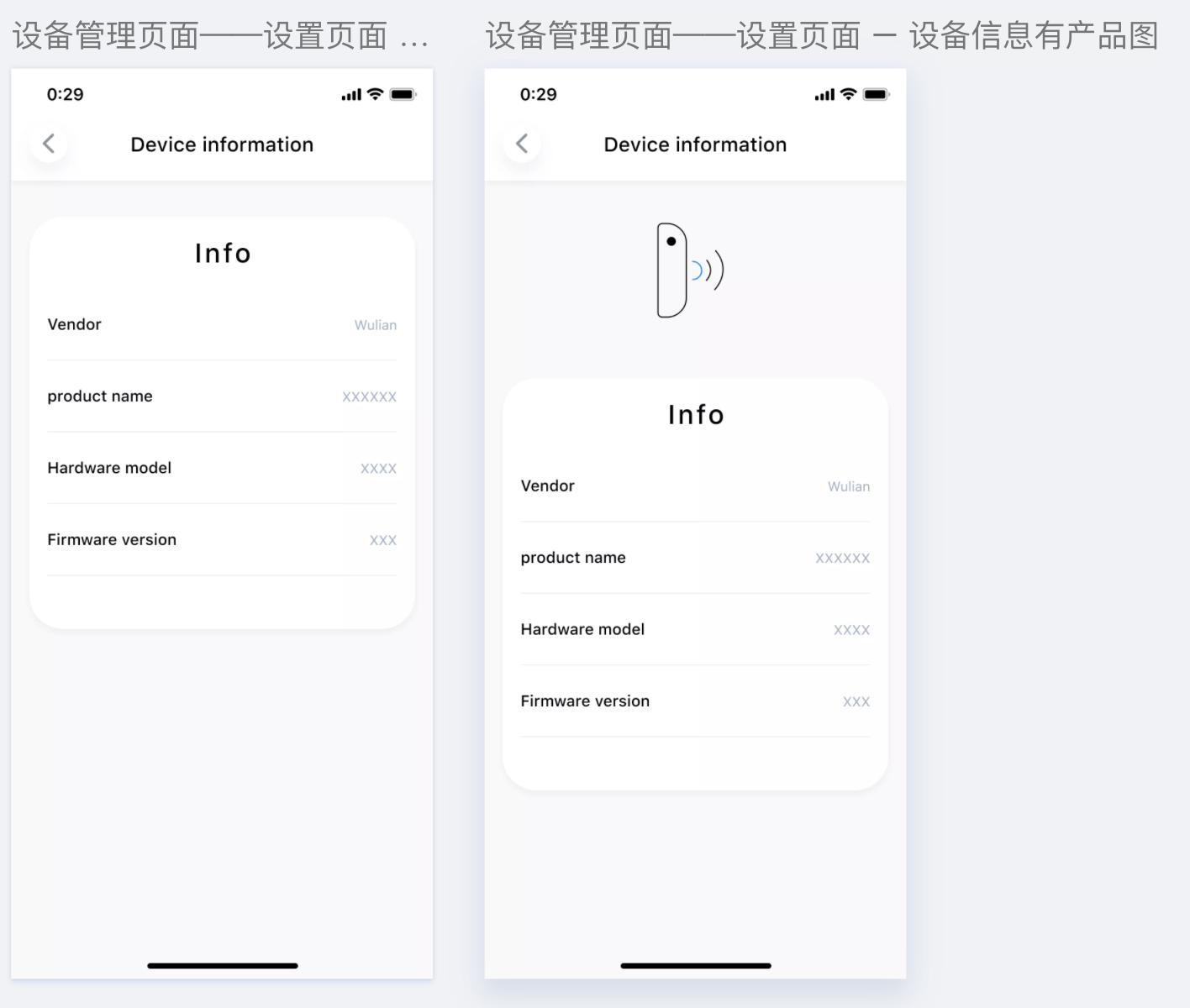
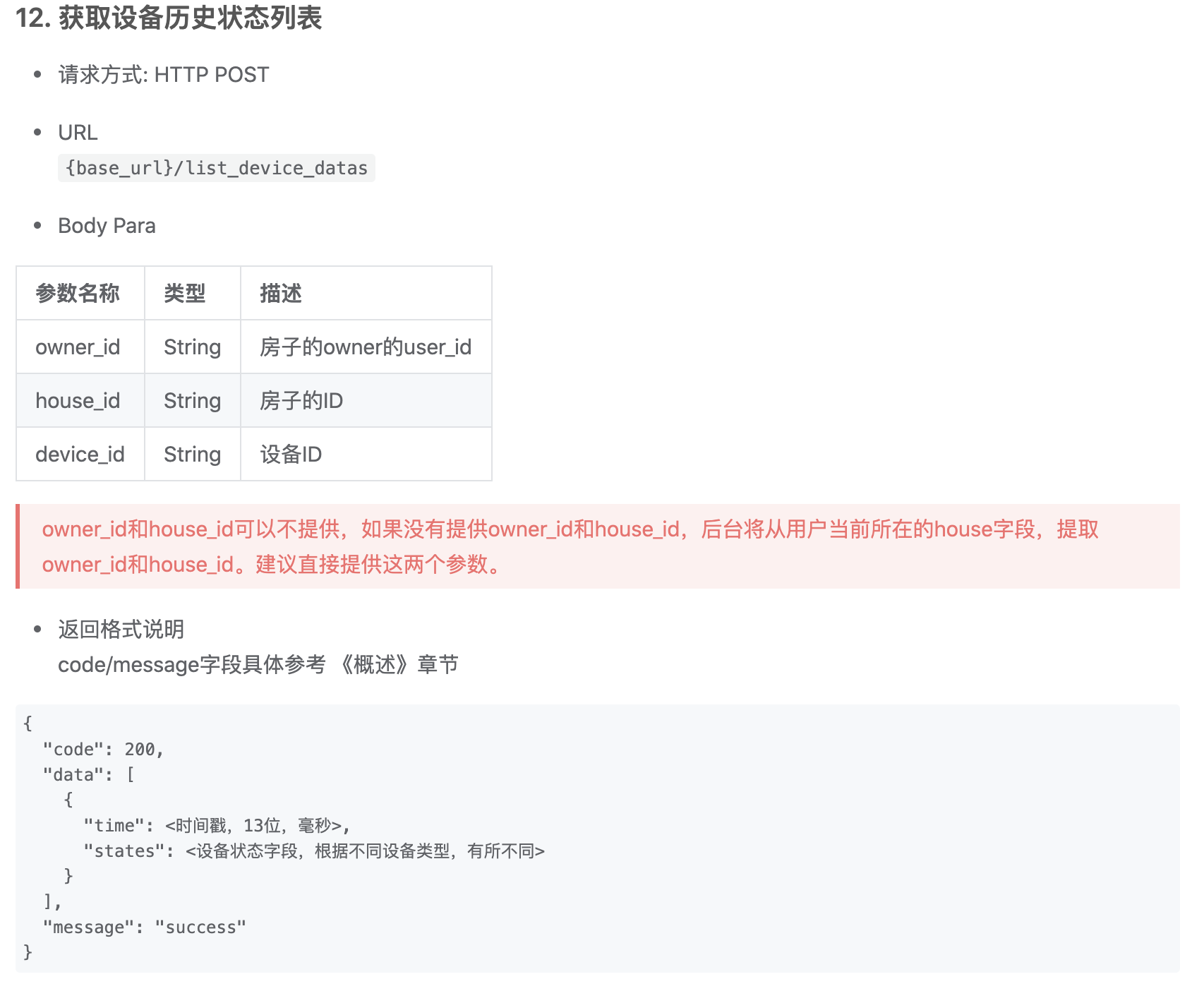
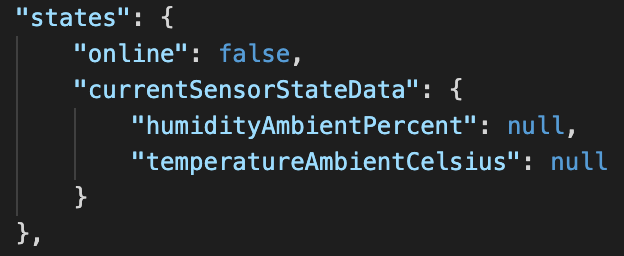
## devices.types.TEMP_HUMI_SENSOR 温湿度传感器 (1)设备ui - 首页卡片 ![image.png](https://cos.easydoc.net/21942958/files/kgxfhlm2.png) - 设备管理页 ![image.png](https://cos.easydoc.net/21942958/files/kgxfif93.png) >d Moist: 当states.currentSensorStateData.humidityAmbientPercent > 70 Dry: 当 states.currentSensorStateData.humidityAmbientPercent < 30 Comportable: 30 到 70 之间 >d 下部分,两条曲线,是温度:states.currentSensorStateData.temperatureAmbientCelsius 和 states.currentSensorStateData.humidityAmbientPercent 的历史数据曲线图,数据通过 list_device_datas获得 - 设备详细设置页面 ![image.png](https://cos.easydoc.net/21942958/files/kgxernho.png) - 修改设备所在房间 ![image.png](https://cos.easydoc.net/21942958/files/kgxesakz.png) - 修改设备名称 ![image.png](https://cos.easydoc.net/21942958/files/kgxexyfc.png) - 删除设备 ![image.png](https://cos.easydoc.net/21942958/files/kgxeyz15.png) - Device Information页面 ![image.png](https://cos.easydoc.net/21942958/files/kgxf2c57.png) ![image.png](https://cos.easydoc.net/21942958/files/kgxf0qaf.png) (2)获取设备历史状态数据 ![image.png](https://cos.easydoc.net/21942958/files/kgxf4tuf.png) 温湿度检测器,states字段 ![image.png](https://cos.easydoc.net/21942958/files/kgxfkh8x.png)