鼠标事件
## 获取鼠标箭头位置
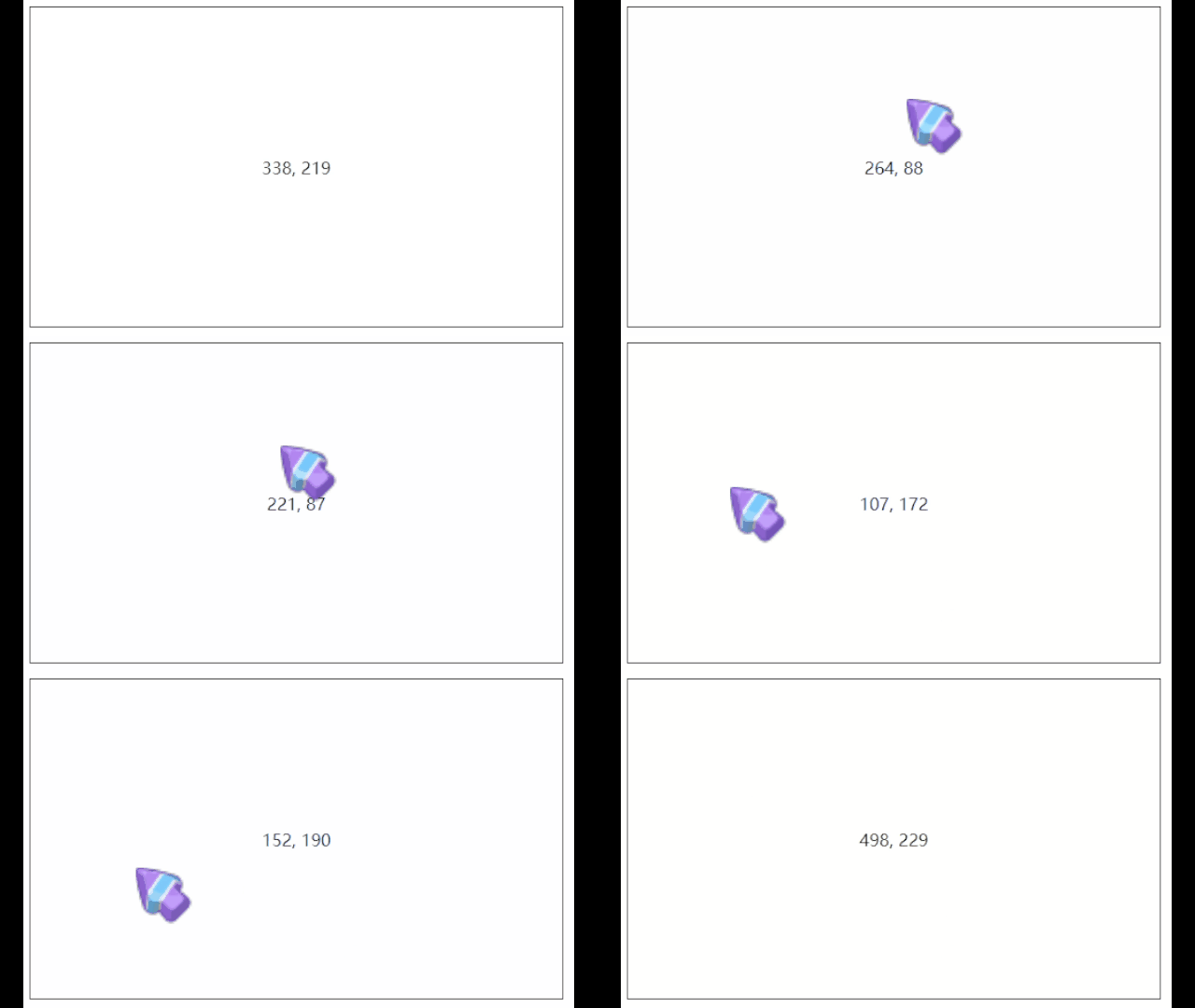
```html
<div id="app">
<div class="container" @mousemove="updateLocation">
<p>{{x}}, {{y}}</p>
</div>
</div>
```
```javascript
new Vue({
el: '#app',
data: {
x: 0,
y: 0
},
methods: {
updateLocation(event) {
this.x = event.offsetX;
this.y = event.offsetY;
}
}
})
```
```css
.container {
width: 500px;
height: 300px;
border: 1px solid black;
display: flex;
flex-direction: row;
justify-content: center;
align-items: center;
}
```